What Quantower Does — And Who Actually Needs It
Quantower occupies a specific niche: it is a multi-broker trading terminal built for traders who want to connect several brokers and data feeds to a single interface, with advanced order flow tools like footprint charts, volume profile, and DOM (Depth of Market) ladders. If you are an active futures or crypto derivatives trader running multiple accounts across different brokers, Quantower's multi-connection architecture is genuinely useful.
For most retail traders, though, Quantower creates more friction than it resolves:
- Requires broker and data feed setup. Quantower itself does not provide market data — you connect your own broker and often pay for a separate data feed subscription. Getting it running requires meaningful technical setup before you can even see a chart.
- Steep learning curve. The platform's power is also its complexity. Volume profile, footprint charts, and DOM analysis require significant learning time to use effectively.
- No AI features. Quantower has no AI buy/sell signals, no conversational assistant, no AI-powered pattern recognition, and no plain-English backtesting.
- No fundamental data. Like most execution-focused platforms, Quantower is purely technical. No earnings data, analyst ratings, insider trading information, or options flow.
- Pricing is add-on heavy. The base platform is free but most of the meaningful features — Volume Analysis, DOM Surface, Order Flow, synthetic instruments — require paid add-on licenses that add up quickly.
Here are seven alternatives that cover what most people using Quantower actually need, often without the setup complexity or cost.
Quick Comparison Table
| Platform | No Broker Required | AI Features | Backtesting | Fundamentals | Order Flow Tools | Price From |
|---|---|---|---|---|---|---|
| ChartingLens | Yes | Signals + Assistant + Patterns | Plain-English AI | Full panel | Options flow | Free / $9.99 |
| NinjaTrader | No | No | NinjaScript | No | Full DOM / Footprint | Free sim / $1,499 live |
| Interactive Brokers | No | No | Via API | Basic | Basic | Free |
| Barchart | Yes | No | No | Basic | Options flow | $19.99/mo |
| TradingView | Yes | No | Pine Script | Basic | No | $14.95/mo |
| TradeStation | No | No | EasyLanguage | Basic | Basic | $99.95/mo |
| Webull | Yes | No | No | Basic | No | Free |
7 Quantower Alternatives, Ranked
1. ChartingLens — Best Quantower Alternative for Most Traders
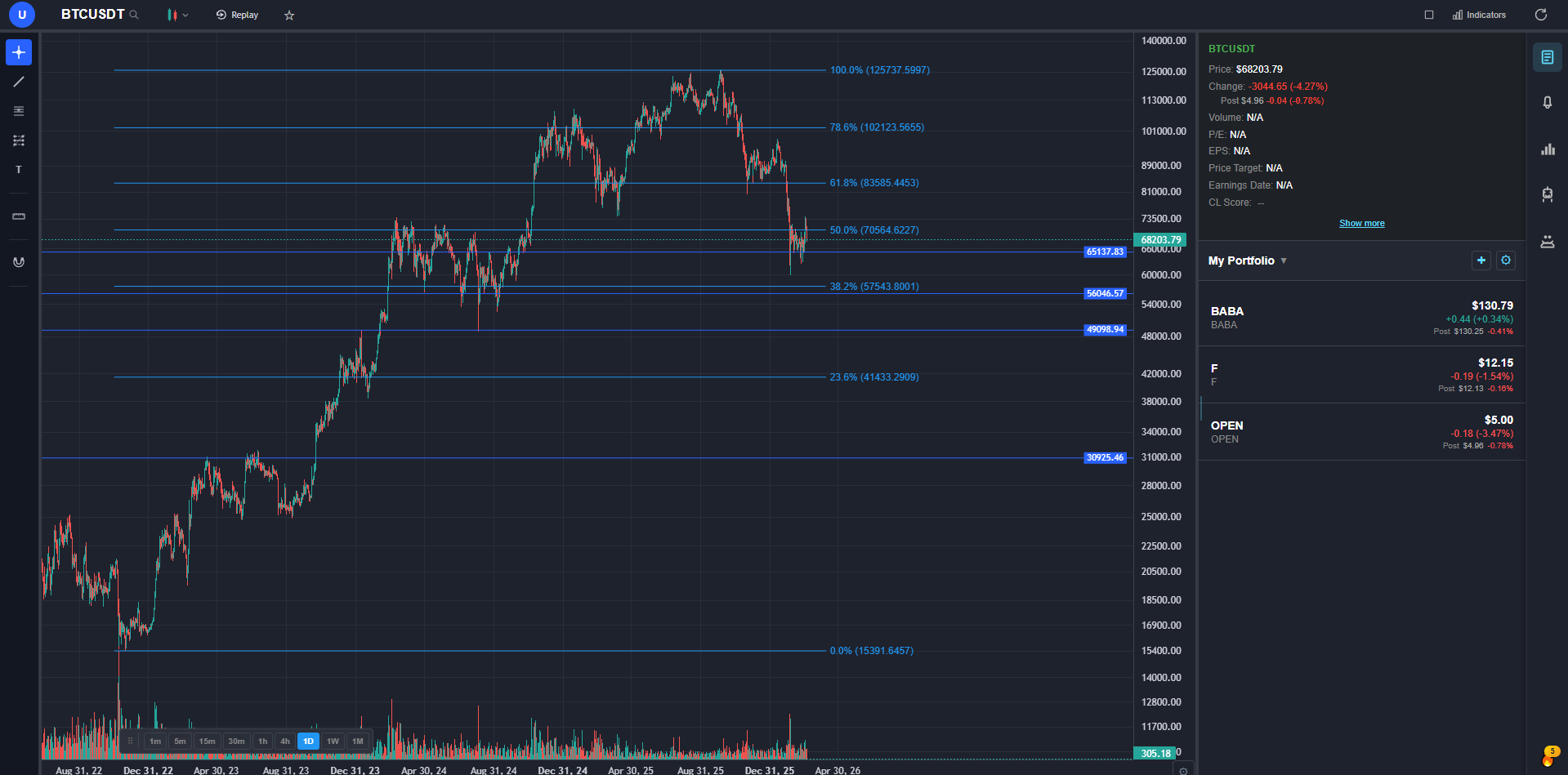
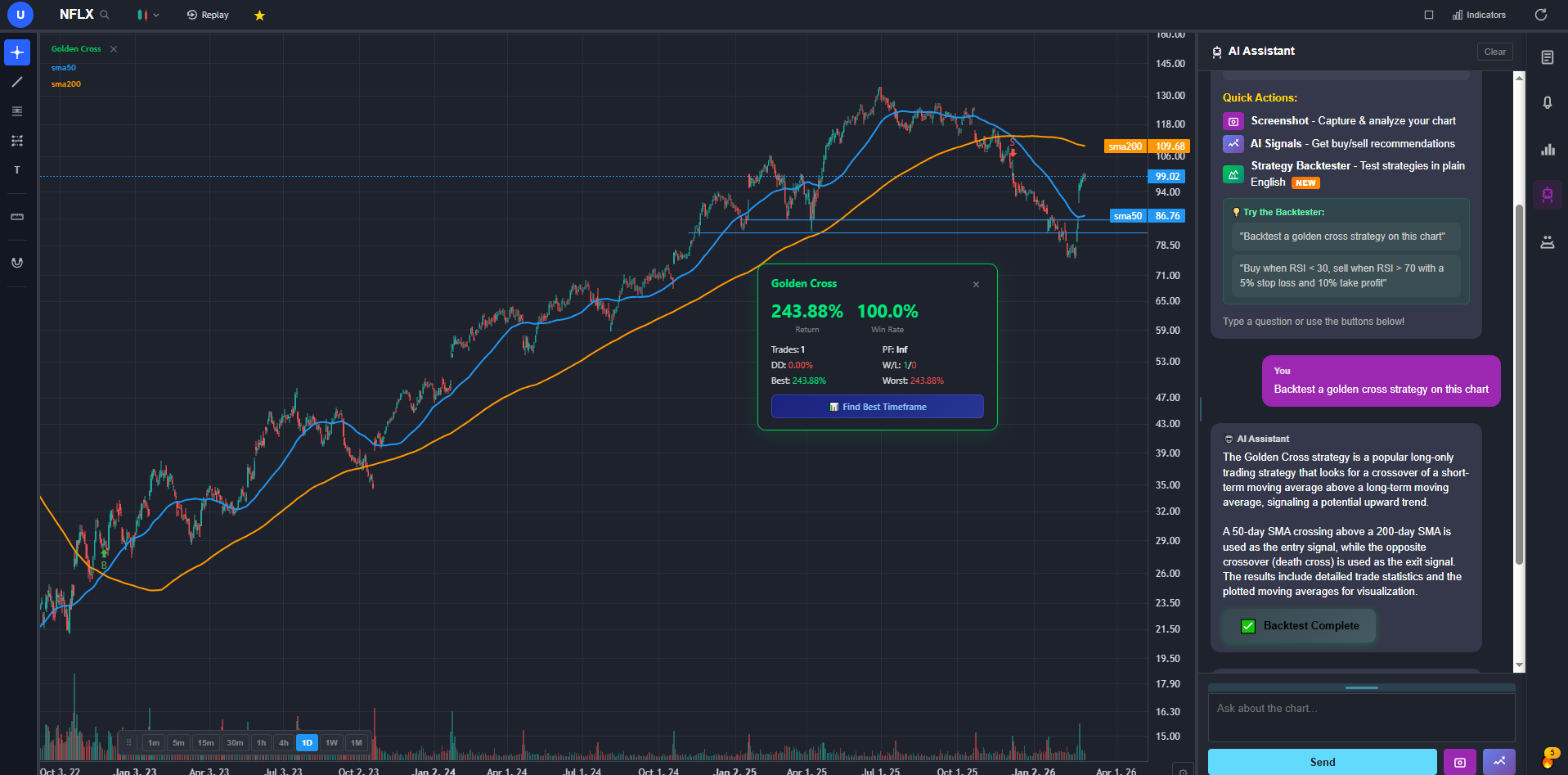
The biggest practical advantage ChartingLens has over Quantower is that it works immediately. No broker connection, no data feed subscription, no configuration. Sign up and you have real-time stock and crypto charts, AI signals, and a full analysis platform running in your browser in under a minute. Quantower, by contrast, requires connecting a broker and configuring data feeds before you can see a single live chart.
On the feature side, ChartingLens covers a broader analysis workflow than Quantower for stock and crypto traders. The AI trading assistant knows your current chart context and can draw support and resistance zones on demand. AI buy/sell signals scan 2,000+ stocks and crypto assets daily. Automated chart pattern recognition identifies formations like head-and-shoulders, double tops, wedges, and triangles directly on your chart. The plain-English strategy backtester lets you test ideas in natural language — "buy when the 20 EMA crosses the 50 EMA, sell when RSI hits 75, 4% stop loss" — with full equity curve and performance stats, no coding required.
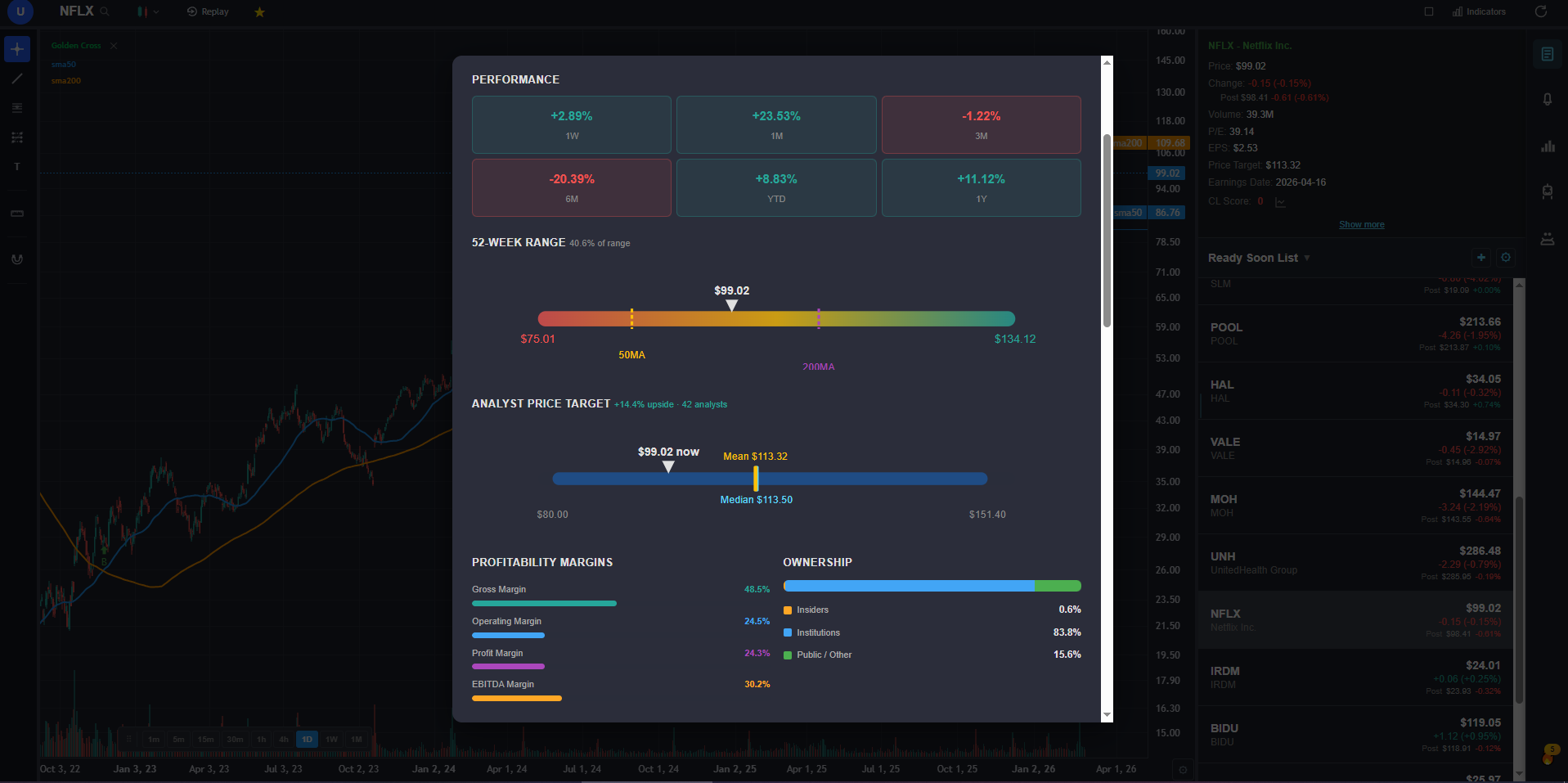
The fundamentals panel adds income statements, balance sheets, cash flow history, analyst price targets, buy/sell/hold ratings, insider trading data from SEC filings, options flow by expiration and strike, and a superinvestor tracker showing 13F positions. None of this exists in Quantower.
The honest gap: ChartingLens does not have Quantower's order flow depth — no footprint charts, no DOM ladder, no volume profile in the same granularity. For traders whose edge is built on reading order flow at the tick level, that matters. For everyone else, ChartingLens delivers far more analytical value for free.
2. NinjaTrader — Best for Advanced Order Flow and Futures DOM
NinjaTrader is the most common Quantower comparison because both platforms target active futures traders who need advanced DOM and order flow tools. NinjaTrader's footprint charts, volume profile, and order flow analytics are well-developed and the community of NinjaScript indicators is much larger than Quantower's. For traders who are leaving Quantower specifically because of its DOM or footprint chart limitations, NinjaTrader is the most direct upgrade.
For stock and crypto traders, NinjaTrader is not a meaningful upgrade over Quantower — it has the same core limitations: no AI, no fundamentals, requires a broker connection, and the live trading license adds significant cost. If order flow analysis for futures is the specific need, NinjaTrader is worth evaluating.
3. Interactive Brokers — Best for Multi-Asset Professional Execution
Interactive Brokers is actually a closer competitor to Quantower's use case than most platforms on this list — both are designed for traders who need multi-asset execution across global markets. IBKR's Trader Workstation supports stocks, futures, options, forex, bonds, and international markets in 150+ countries with some of the lowest margin rates in the retail space. For traders leaving Quantower because of data feed costs, IBKR bundles real-time data into the platform fee structure.
IBKR's charting is limited and it has no AI features. The platform is complex in ways that do not benefit most users. The standard pairing for IBKR users is a dedicated analysis platform alongside it.
4. Barchart — Best Free Web Charting with Broad Market Data
Barchart gives Quantower users a free, browser-based charting option that covers many of the same asset classes — stocks, ETFs, futures, and forex — without any broker connection or data feed configuration. The free tier includes 150+ indicators, interactive charts, a solid screener, and an unusual options activity feed that surfaces abnormal contract volume across the market. For traders coming from Quantower who want to maintain coverage of futures and derivatives markets for free, Barchart is one of the more complete options.
Barchart lacks Quantower's order flow depth — no footprint charts, no DOM, no volume profile at the same granularity. It also has no AI features, no strategy backtesting, and no company fundamentals panel.
5. TradingView — Best for Web-Based Charting and Community
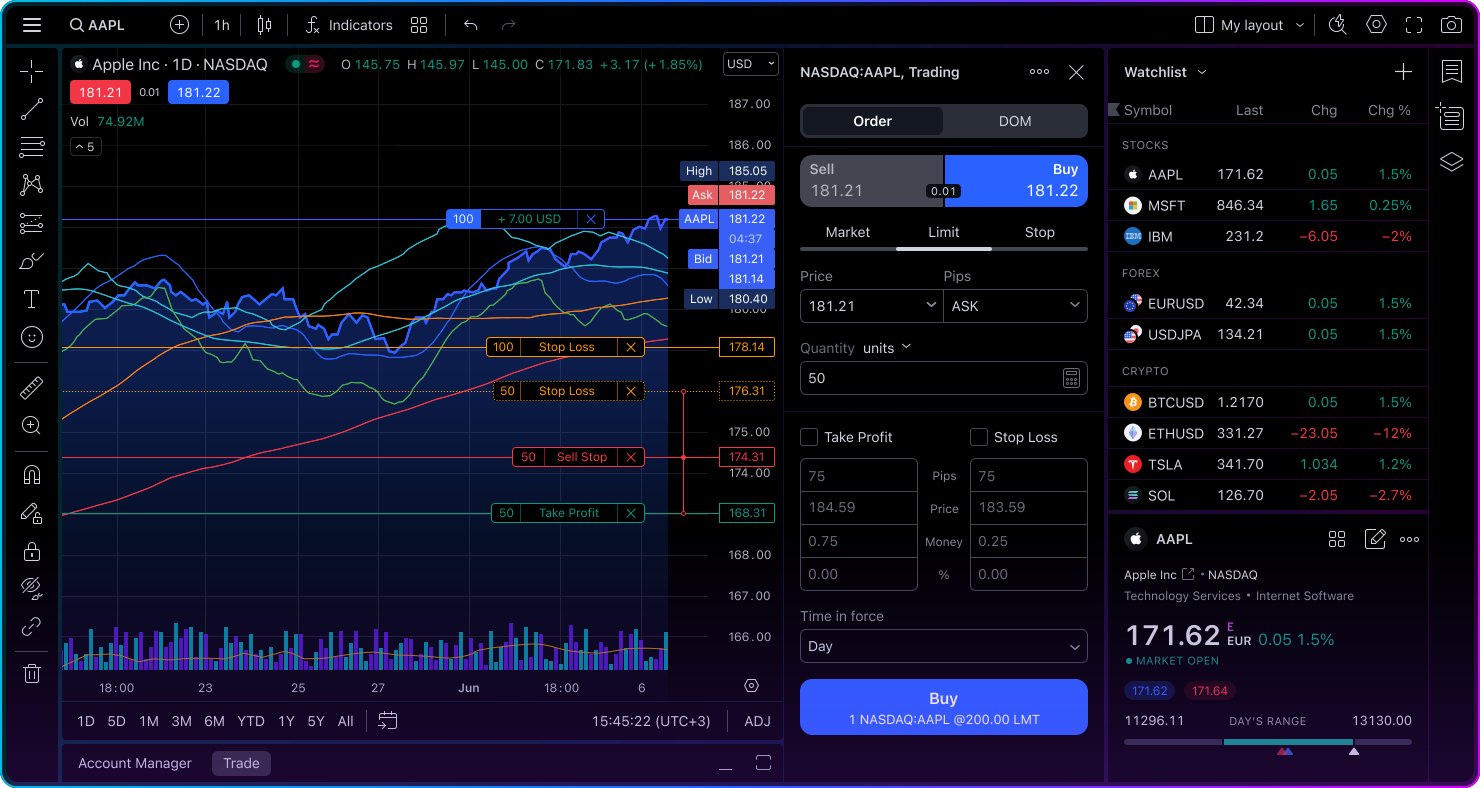
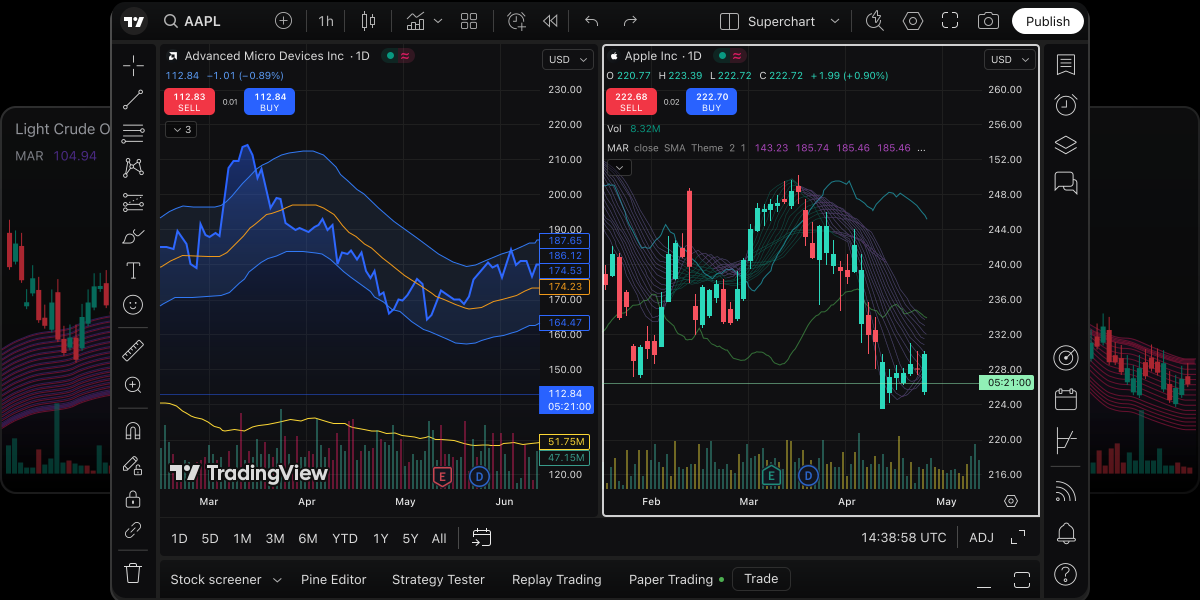
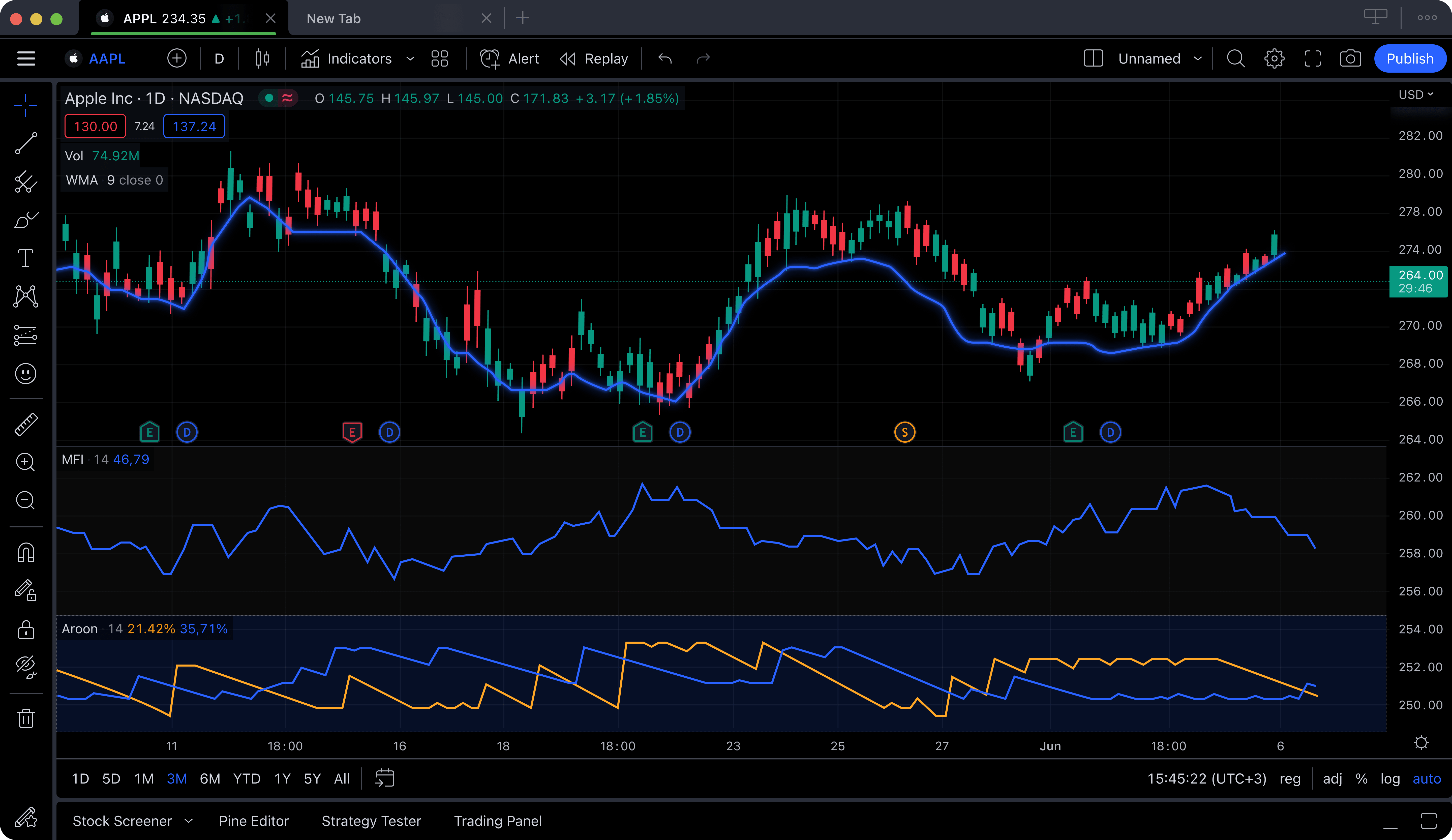
TradingView is the most widely used web charting platform and the natural comparison for traders looking for a browser-based Quantower alternative. The Pine Script community is enormous and the chart quality is excellent. For traders who relied on Quantower for charting but want the simplicity of a web app without desktop software, TradingView is the most recognized option.
TradingView's free tier caps you at one indicator per chart, which is too restrictive for real trading. Usable plans start at $14.95–$29.95/month. There are no native AI features, no fundamentals panel, and no insider data. For those with deep Pine Script dependencies, TradingView remains the only option.
6. TradeStation — Best for Automated Strategy Development
TradeStation is for the subset of Quantower users who were using its algorithmic capabilities for systematic strategy development. EasyLanguage is more accessible than most proprietary scripting environments and the backtester is thorough. For quantitative traders who want to build and automate strategies with broker integration for futures and equities, TradeStation is a solid alternative.
At $99.95/month platform fee, it is expensive for occasional use. No AI features, dated interface, no fundamentals panel. TradeStation is for traders who need production-grade automated execution, not just idea validation.
7. Webull — Simplest Free Starting Point
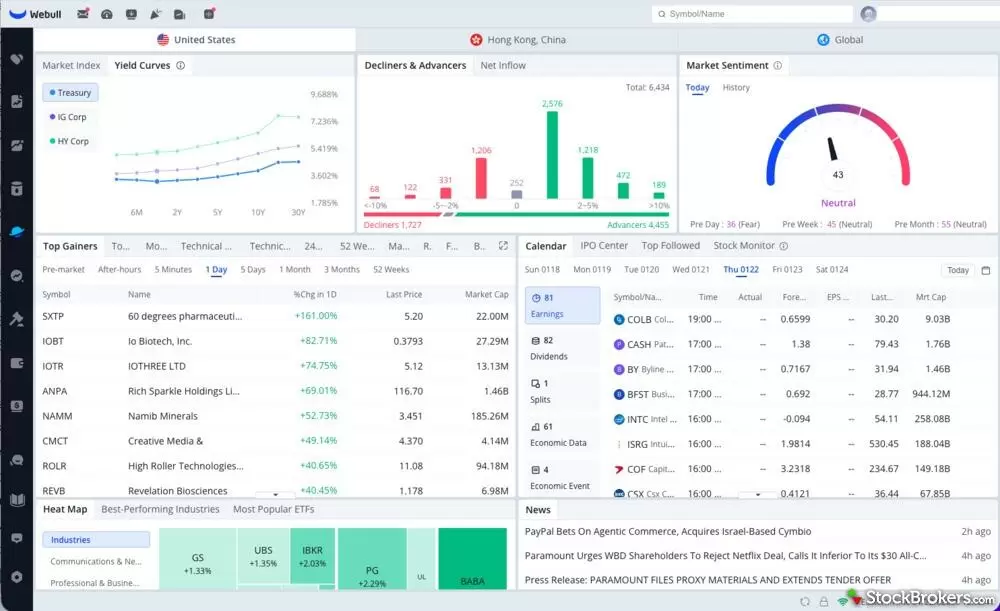
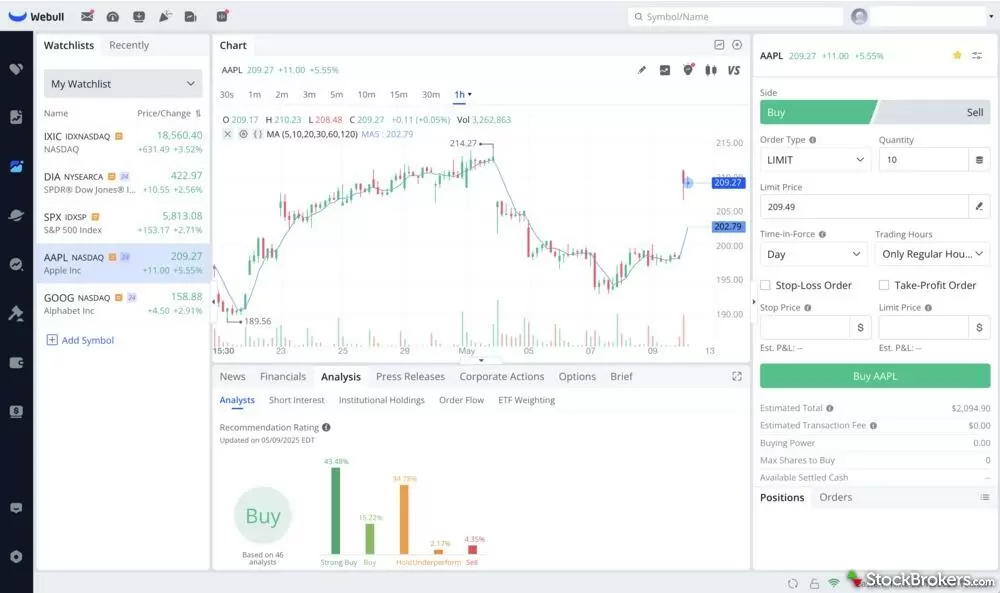
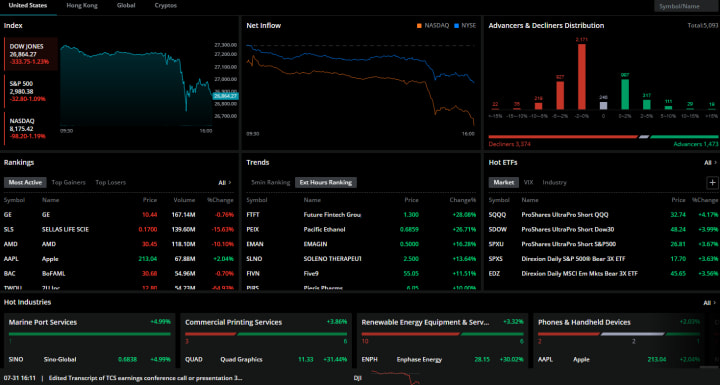
Webull is the simplest option on this list: a free brokerage app with real-time data, commission-free trading, and basic charts. It has none of Quantower's order flow tools or analytical depth. But for traders who found Quantower too complex and want something they can open and use in minutes without any configuration, Webull solves that.
Bottom Line
Quantower is a niche platform with a specific strength: connecting multiple brokers and data feeds into one interface with advanced order flow analysis for futures. If that is your exact workflow — multiple broker accounts, heavy DOM and footprint chart reliance, active futures scalping — there are better options for that specific use case, like NinjaTrader for order flow depth or Interactive Brokers for multi-asset execution.
For the majority of traders who were using or considering Quantower for its charting and analysis capabilities, the #1 pick above is the better fit. It works immediately without broker setup, has AI buy/sell signals, a conversational AI assistant, automated pattern recognition, plain-English strategy backtesting, and a full fundamentals panel with insider data — none of which Quantower offers.
See also: Best TradingView Alternatives in 2026 and Best NinjaTrader Alternatives in 2026 for broader comparisons of the charting and trading platform landscape.