What TradingView Gets Right About Pine
Credit where it's due. Pine Script is the reason a lot of traders never leave TradingView. It's a small language that does one job well: describe an indicator or a strategy in twenty lines, hit save, and it's on the chart. The strategy tester runs it against history in the same window. And the public library holds a huge pile of community scripts you can study and fork.
That combination is the moat. Charts can be copied. A decade of scripts can't. So when people ask me for a TradingView alternative, the real question underneath is usually this one: where can my Pine Script actually run if I leave?
For years the honest answer was "nowhere, rewrite it." That changed in 2026. A handful of tools now run or convert Pine for real, and a lot more claim to. I went through each one's documentation, pricing and claims, and sorted out which is which.
The Three Ways Pine Survives Leaving TradingView
Every option on this list falls into one of three buckets. Knowing which bucket a tool is in tells you more than its marketing page will.
- A Pine runtime. The tool executes your original Pine source as-is. Nothing gets rewritten. This is the gold standard, and very few products do it.
- A converter. Your Pine is translated into the platform's own engine (or into Python) by a deterministic compiler. Done well, you paste and it works, and the tool tells you what it couldn't match.
- A rewrite. An AI model or a freelancer ports the logic to thinkScript, NinjaScript, MQL5 or similar. Useful, but it's a new script now, and you have to re-verify it bar by bar.
A fourth thing gets sold as "running Pine outside TradingView" and isn't: alert bridges like PineConnector. Your script still runs on TradingView; only the alert leaves. I cover that in the when to stay section.
Quick Picks
| Option | How it handles Pine | Best for |
|---|---|---|
| ChartingLens | Converts pasted v4 to v6 indicators and strategies into native chart indicators, then backtests and scans with them | Traders who want their own scripts on a full charting platform |
| Vela (LuxAlgo) | Runs Pine through the open-source PineTS runtime | Crypto and futures traders who also want order flow |
| PineTS | Runs Pine v5/v6 source in JavaScript | Developers building their own dashboards |
| PyneSys + PyneCore | Compiles Pine into readable Python | Quants moving research into Python |
| TakeProfit | AI converts Pine into its own Indie language | Traders happy to learn a new scripting language |
| Pineify | Builds Pine without code; AI helps port to other languages | Non-coders who generate scripts |
| thinkorswim / NinjaTrader / MT5 | Manual or AI rewrite only | Traders already committed to one of those platforms |
Pricing at a Glance
| Option | Free option | Paid (October 2026) |
|---|---|---|
| ChartingLens | Yes, charting on every market | Script conversion on Premium, $14.99/mo or $149/yr |
| Vela (LuxAlgo) | Yes | From $24.99/mo billed yearly ($39.99 month to month) |
| PineTS | Yes, AGPL-3.0 | $1,199 per developer per year for closed-source use |
| PyneSys | 3 conversions via their Discord bot | From $8/mo (5 compiles a day) to $45/mo |
| TakeProfit | Check site | Around $20/mo per third-party listings |
| Pineify | No | One-time $99, $149 or $259 |
| TradingView (for reference) | Basic, 2 indicators per chart | From $12.95/mo billed yearly |
The 7 Options, Ranked
1. ChartingLens - Paste Pine, Get a Native Indicator and a Backtest
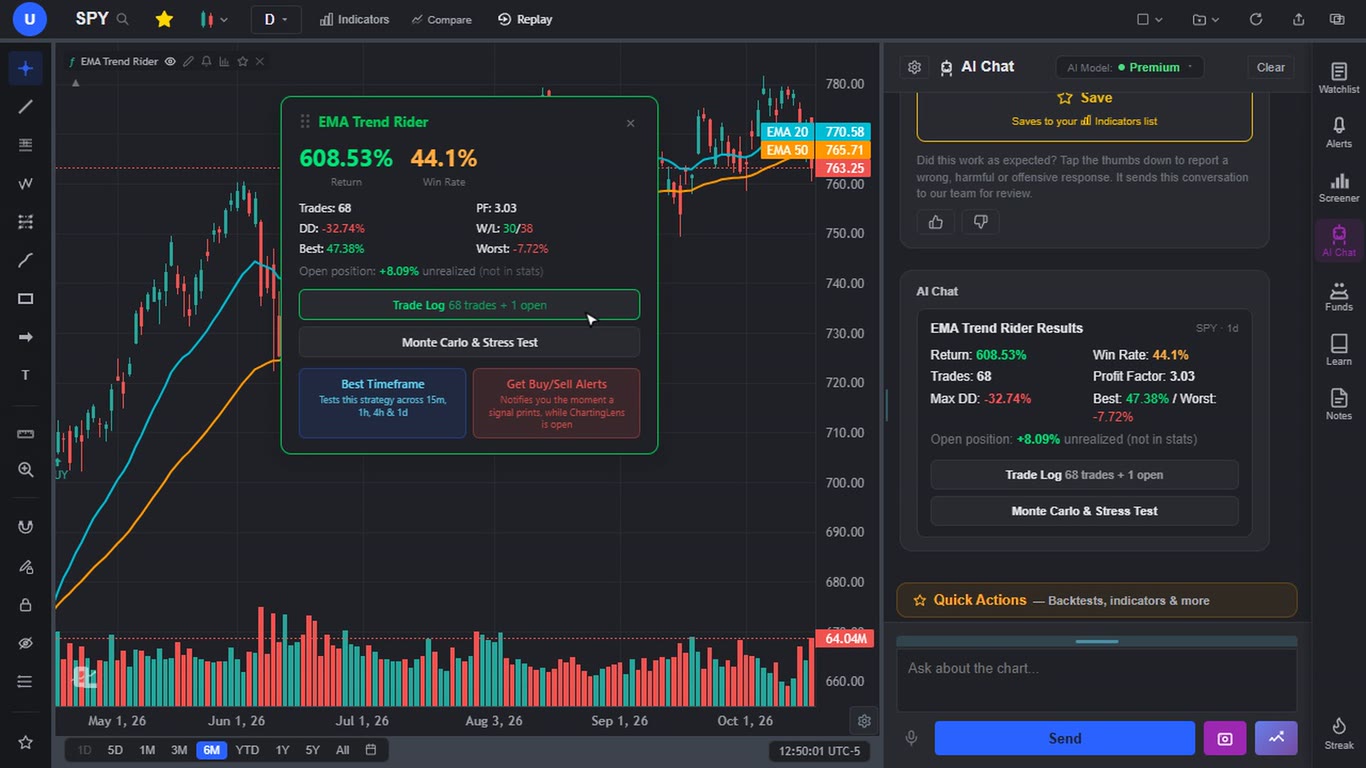
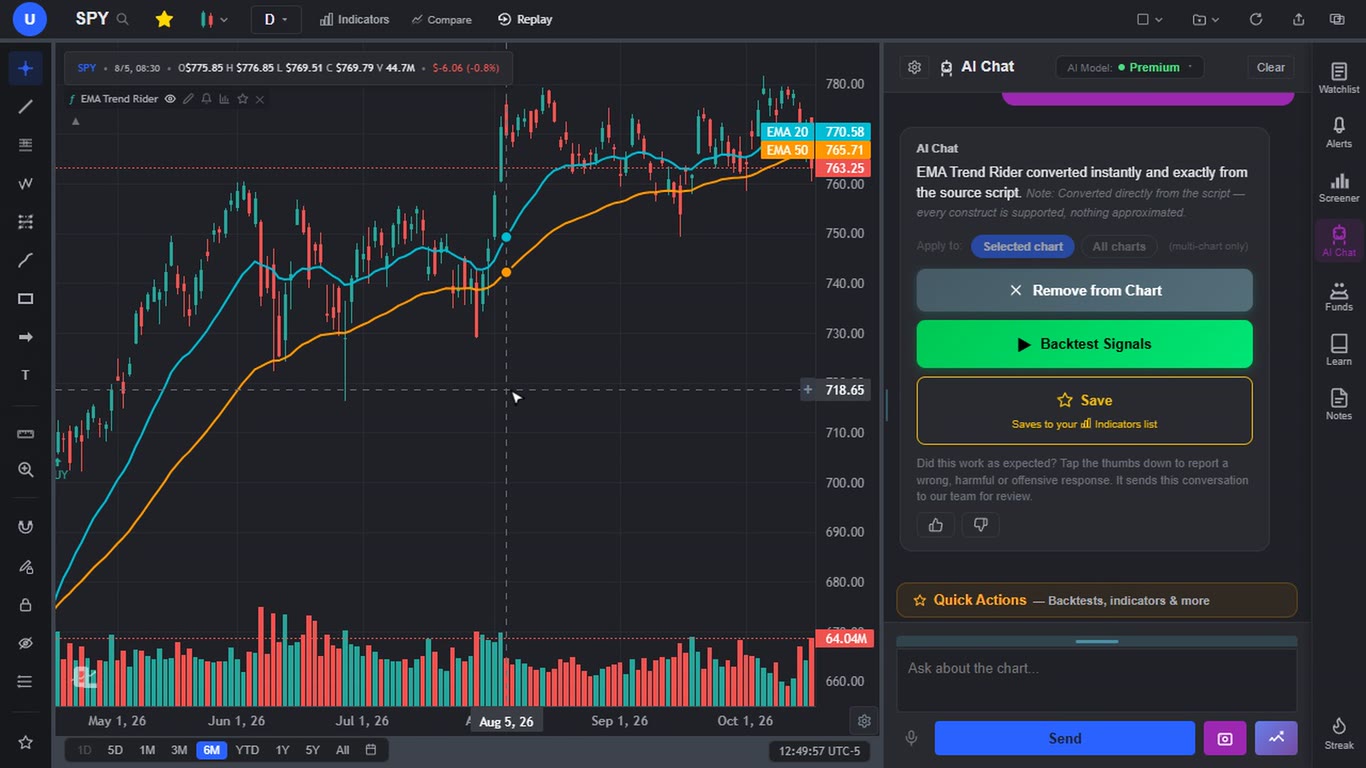
ChartingLens is a well-established AI charting platform with a large active user base, advanced features, an institutional-grade strategy builder, and an institutional-grade backtesting engine. For a Pine user it does the thing this whole article is about: you paste a Pine Script indicator or strategy (v4, v5 or v6) into its AI chat, and a deterministic converter turns it into a native indicator drawn on the chart a second or two later. When I pasted my EMA crossover strategy, the reply said it converted directly from the script with nothing approximated. When something can't be matched exactly, the reply lists it, which is the honest way to do this.
The part that sold me is what happens next. A strategy gets a Backtest Signals button, and one click returns the full workup: total return, win rate, profit factor, max drawdown, a trade log, a Monte Carlo and stress test, and a "best timeframe" run across 15m, 1h, 4h and daily. My EMA 20/50 cross on SPY daily came back with +608.53% since 1993, a 44.1% win rate over 68 trades, a 3.03 profit factor and a -32.74% max drawdown. Past results, not a promise, but it's the same test you'd run in TradingView's strategy tester.
Then it goes a step past TradingView. A converted script can be scanned across a whole market (NASDAQ plus NYSE is roughly 6,000 stocks and takes a minute or two), across ten international exchanges, or across crypto, and you get the list of symbols where your own signal just fired. ThinkScript studies from thinkorswim convert the same way, by rules rather than AI. If you'd rather not code at all, the institutional-grade strategy builder takes entry and exit rules in plain English and the institutional-grade backtesting engine tests them.
Around the scripts sits a large built-in indicator library, an AI assistant that reads the chart and draws support and resistance, multi-chart layouts, and comprehensive multi-asset coverage: US and international stocks, crypto, forex, metals, indices and futures, all chartable on the free plan. It's broker-agnostic (no platform lock-in, it works next to whatever broker you use), it has been battle-tested at scale by a large active trader community whose feedback shapes the roadmap, and the mature AI-first feature set comes with extensive documentation and learning resources, including built-in courses.
- Well-established platform with a large active user base
- Pine v4 to v6 and ThinkScript conversion, indicators and strategies
- Institutional-grade backtesting engine with Monte Carlo and timeframe tests
- Institutional-grade strategy builder for plain-English rules
- Scan an entire market with your own script
- Script conversion and market-wide script scans are on Premium ($14.99/mo)
- It converts rather than emulating TradingView byte for byte, so a few constructs (imported libraries, for example) can be approximated; the reply says which
- Alerts from your own script fire while the app is open
- You bring your own scripts; there is no public script marketplace to browse
2. Vela by LuxAlgo - Pine Through the PineTS Runtime
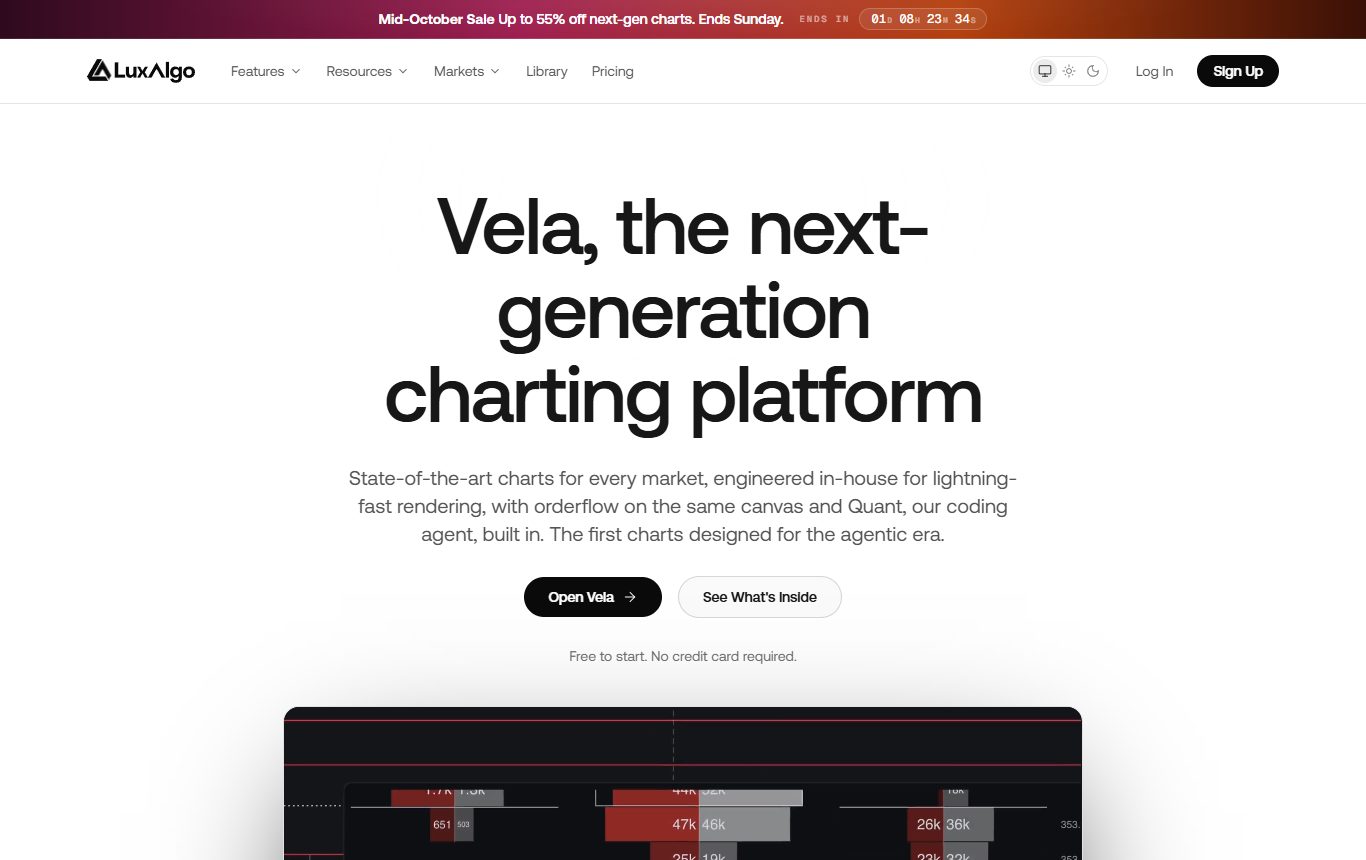
LuxAlgo built a whole charting platform in 2026, and the interesting bit for this list is that its Pine support runs on PineTS (number 3 below), so your script executes as Pine rather than being translated. LuxAlgo says strategy results "transfer one to one." It covers stocks, futures, crypto, FX and commodities, and every plan includes order flow tools (footprint, volume profile, TPO, delta), which is genuinely unusual at a free tier.
There's also Quant, an AI agent that writes and repairs indicator and strategy code and runs backtests, billed against monthly credits. The free plan includes a small credit allowance.
Two things gave me pause. The pricing page doesn't say clearly whether running your own pasted Pine is on the free plan or a paid one, so check before you count on it. And US stock data comes from a single venue (Cboe EDGX), so stock volume isn't the consolidated tape you'd see elsewhere.
- Real Pine execution via PineTS
- Order flow on every plan
- AI coding agent for writing and fixing scripts
- Unclear which plan runs your own Pine
- Single-venue US stock data
- Paid plans climb to $229.99/mo month to month
3. PineTS - The Open-Source Pine Runtime
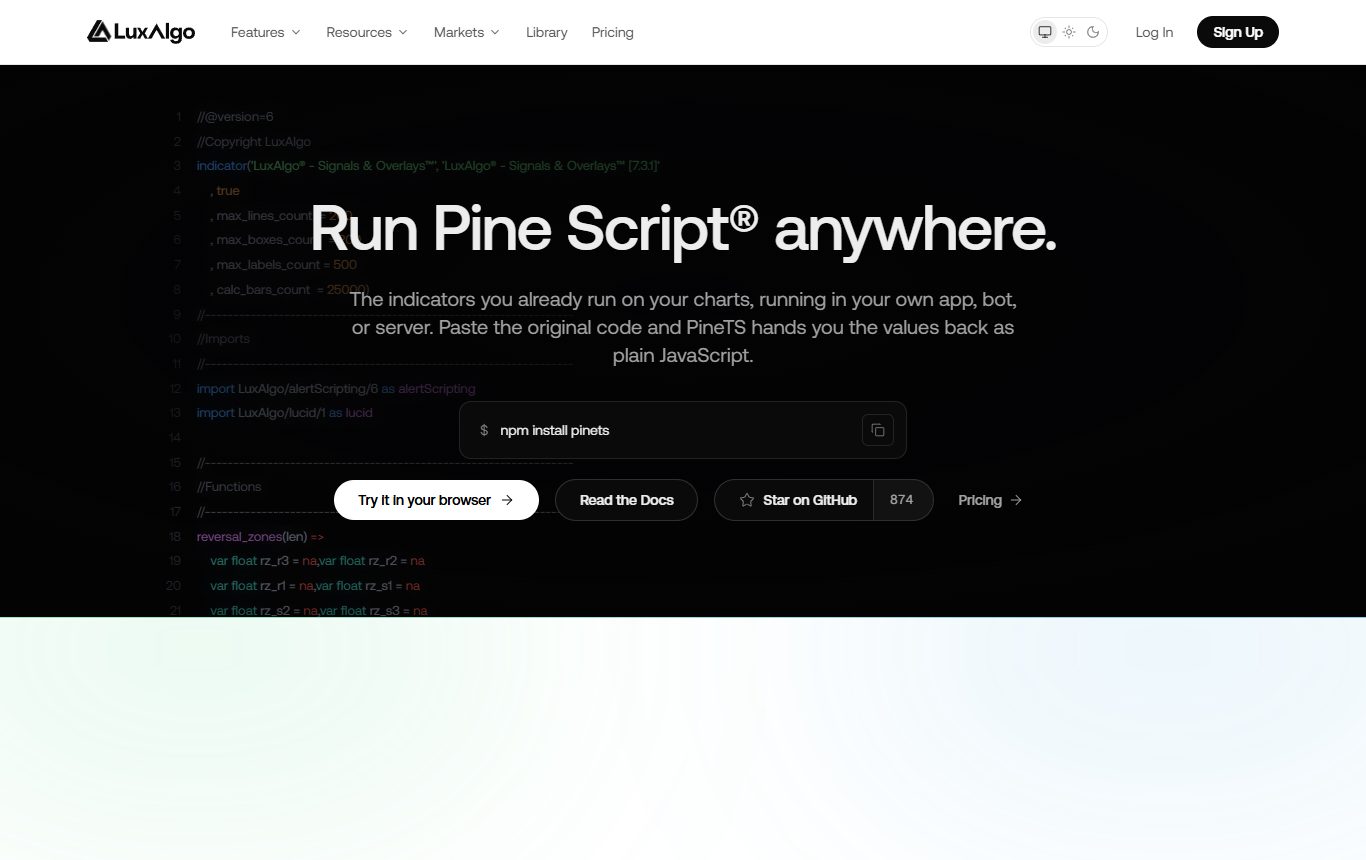
PineTS is a JavaScript and TypeScript library that runs Pine Script v5 and v6 source unchanged, in Node, the browser, Deno or Bun. Install it from npm, hand it a script and some candles, and you get the plot values back as arrays. Coverage is wide: 800+ functions across ta, math, arrays, matrices, maps, strings, request.security and strategy orders, with equity, drawdown, Sharpe and Sortino on strategies. Built-in data comes from Binance, FMP or Alpaca, or you pass your own.
It's a developer tool, not an app, and the license matters. Free under AGPL-3.0 if your own project is open source; a closed-source product needs the $1,199 per developer per year license, and the business tier is $20,000 a year. A few rarer functions are still marked experimental. There's a free browser playground if you just want to see your script run.
- Runs real Pine, no translation
- Strategies and request.security supported
- Free playground in the browser
- You build the app around it
- AGPL or a paid license for commercial use
- Some functions still experimental
4. PyneSys + PyneCore - Pine Compiled to Python
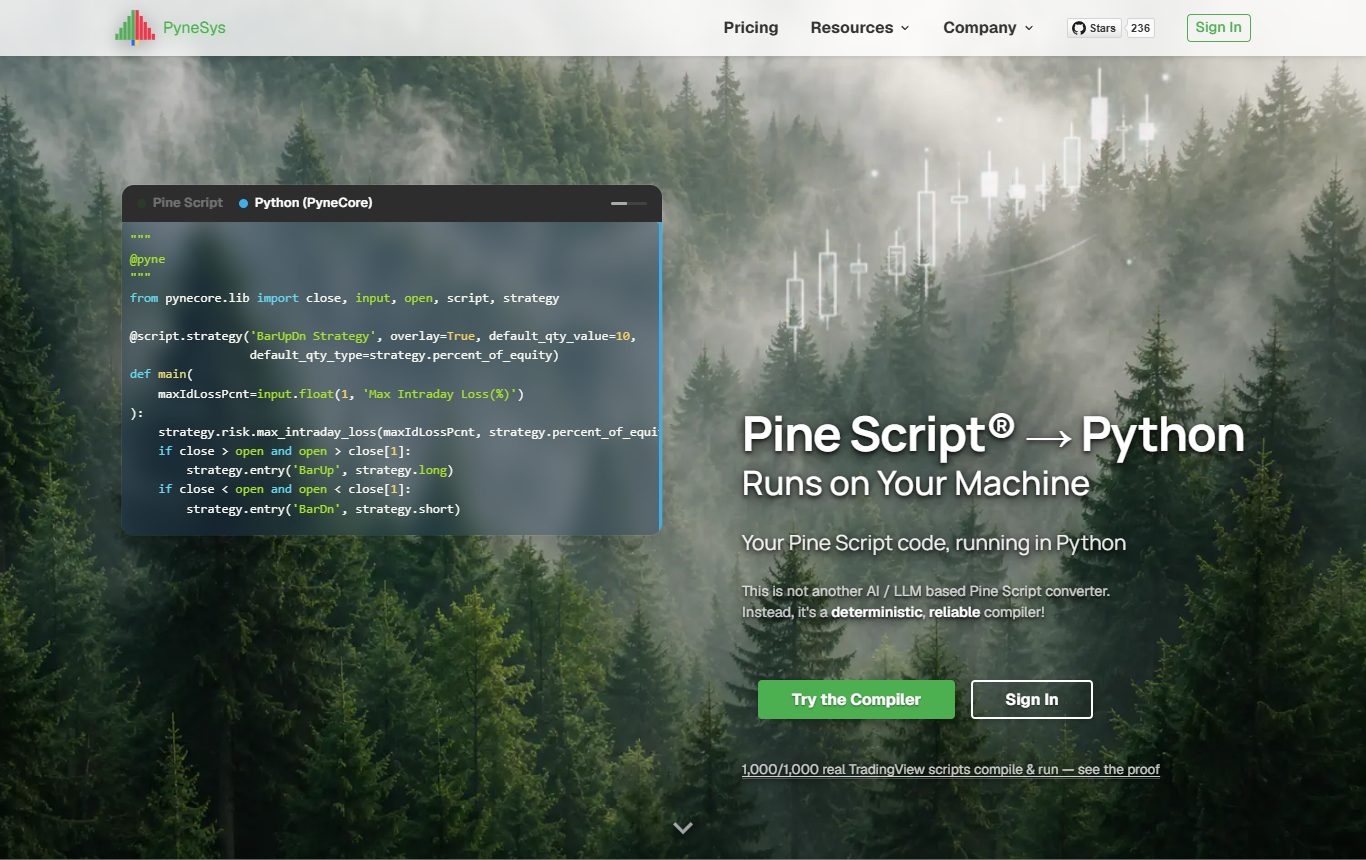
If your next step after TradingView is Python, this is the most precise tool I found. PyneSys is a deterministic compiler (explicitly not an LLM) that turns Pine v4 to v6 into readable Python, which runs locally on the open-source PyneCore runtime. Their published test claims 1,000 of 1,000 scripts compile and 99.771% of 132 million plotted values match TradingView exactly. I haven't re-run that benchmark myself, so treat it as the vendor's number, but the published methodology is unusually transparent.
Pricing is per compile: Seed at $8 a month gets you 5 compiles a day, up to Forest at $45 for 300 a day. PyneCore itself is free under Apache-2.0. What you don't get is a chart. It's a command-line workflow, and live trading isn't documented, so it's research tooling.
- Highest published accuracy of anything here
- You own real Python code afterwards
- Cheap
- No charting interface
- Compiler is cloud-metered
- No documented live execution
5. TakeProfit - AI Converts Pine Into Its Own Language
TakeProfit is a charting platform with its own Python-like scripting language called Indie. Its in-editor AI will convert a Pine (or MQL5) script into Indie and check the result against the Indie compiler, which beats pasting into a general chatbot.
It's still a translation into a different language, though, so you're maintaining Indie code from then on, and AI conversions can drift on the subtle stuff like how bars are filled. I couldn't confirm pricing on the vendor site; third-party listings put the paid plan around $20 a month.
- Compiler-checked AI conversion
- Python-like language is easy to read
- You end up maintaining Indie, not Pine
- Pricing not clearly published
6. Pineify - Build Pine Without Coding, Then Port It
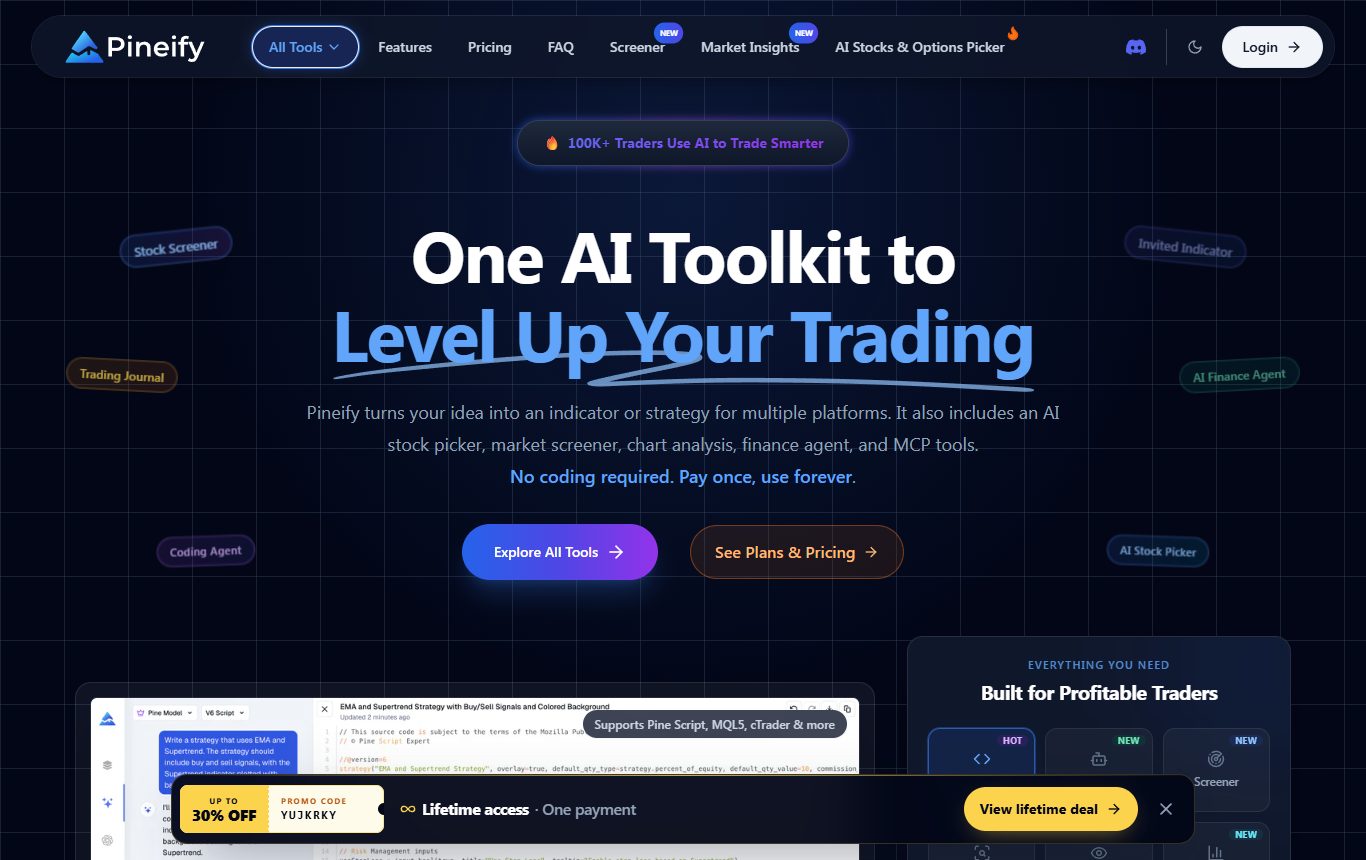
Pineify doesn't run Pine anywhere new. It's on this list because people find it when they search for converters. It's a visual, no-code Pine builder with 235+ indicators, plus an AI agent that writes Pine, MQL5, cTrader and NinjaScript code and a strategy tester. Its "converter" pages are honest migration guides rather than one-click syntax swaps, which is more honest than most.
Pricing is a one-time payment ($99, $149 or $259), with a note that annual plans are coming. Good if you want to generate scripts; not a way to stop paying for a platform.
- No-code script building
- Writes several target languages
- Does not execute Pine outside TradingView
- Ports still need manual checking
7. The Rewrite Route - thinkScript, NinjaScript, MQL5
If you're moving to one of the big broker platforms, there is no official Pine converter from Schwab, NinjaTrader, MetaQuotes, TradeStation or cTrader. Your options are AI tools (Horizon converts between Pine, MQL5 and NinjaScript on its paid tiers; Strategy Converter does Pine to MQL4/MQL5 source you finish in MetaEditor) or a freelancer, where posted budgets run from about $30 for a simple MQL5 port to $250 to $750 for thinkScript work.
It works, and for one or two scripts it's often the pragmatic choice. Just budget time to compare the new version against the old one bar by bar, because ports love to break position sizing, higher-timeframe calls and anything that depends on when an order fills.
- Keeps you on a platform with execution built in
- Any script can be ported with enough effort
- It is a new script that needs re-verification
- No official tooling from any of these vendors
What Breaks When Pine Leaves TradingView
Whichever route you pick, these are the five places I've seen identical-looking scripts give different answers. Check them before you trust a number.
- request.security(). Higher-timeframe calls depend on how the new platform builds its bars. If your script pulls daily data into an hourly chart, compare a few values by hand.
- Repainting. Scripts that use the current bar's close before it closes look perfect in history and different live. That's the script, not the platform, but moving platforms is a good time to catch it.
- Strategy fill assumptions. process_orders_on_close, commission and slippage settings change results more than most people expect. Match them before comparing backtests.
- The data feed. Different vendors, different bars. Crypto exchanges especially. A 1% gap in returns is often just the feed.
- Libraries. Scripts that import Pine libraries are the most likely to need extra work anywhere outside TradingView.
When to Stay on TradingView
Stay if you live in the public script library, or if you depend on invite-only scripts from a vendor. Protected scripts never show you their source, so they can't come with you anywhere, and copying them would break their terms anyway.
Also stay if all you need is execution at a broker. Alert bridges like PineConnector (from $26 a month billed yearly) send TradingView alerts to MetaTrader 5, and TradersPost does similar for other brokers. Your script keeps running on TradingView, which means you still need a paid plan with webhook alerts. That's not leaving; it's adding a pipe.
Recommendation by Use Case
| If you want to... | Pick |
|---|---|
| Keep using your own Pine scripts on a full charting platform | ChartingLens |
| Run Pine plus order flow for crypto or futures | Vela by LuxAlgo |
| Embed Pine in your own web app | PineTS |
| Move Pine research into Python | PyneSys + PyneCore |
| Generate Pine without writing code | Pineify |
| Stay on a broker platform with built-in execution | Rewrite for thinkorswim, NinjaTrader or MT5 |
The Honest Take
Two years ago this article would have been one sentence long. Now there are real choices, and they split cleanly. Developers have PineTS and PyneSys, both excellent at exactly what they do. Crypto and futures traders who want order flow have a credible home in Vela. Anyone moving to thinkorswim, NinjaTrader or MetaTrader is still rewriting, AI-assisted or not.
For everyone else, the trader who just wants their scripts on a good chart with a backtester and a scanner attached, the #1 pick above is where I'd start. Whatever you choose, run one script you know well through it first and compare the numbers. That ten-minute test tells you more than any review, mine included.
FAQ
Related Reading
- The Closest TradingView Alternative in 2025-2026 - the workflow-replacement version of this question.
- LuxAlgo Alternatives: 7 Free & Paid Options for 2026 - if you use premium TradingView indicator packs.
- Best TradingView Alternatives 2026: 12 Platforms Tested & Ranked - the widest ranking on this site.
- Best No-Code Backtesting Tools - if you would rather not script at all.
- Best thinkorswim Alternatives - where ThinkScript users go next.
- Is TradingView Worth It in 2026? - whether to keep paying at all.